Release
v0.25: DevChain mobile is live
DevChain mobile is out of beta. After months of testing, the app is live on the App Store and Google Play. Thank you to everyone who tested it on TestFlight and in the Google Play open test: your reports shaped this release. Your agent teams now fit in your pocket. Follow them, answer them and steer the board from anywhere.
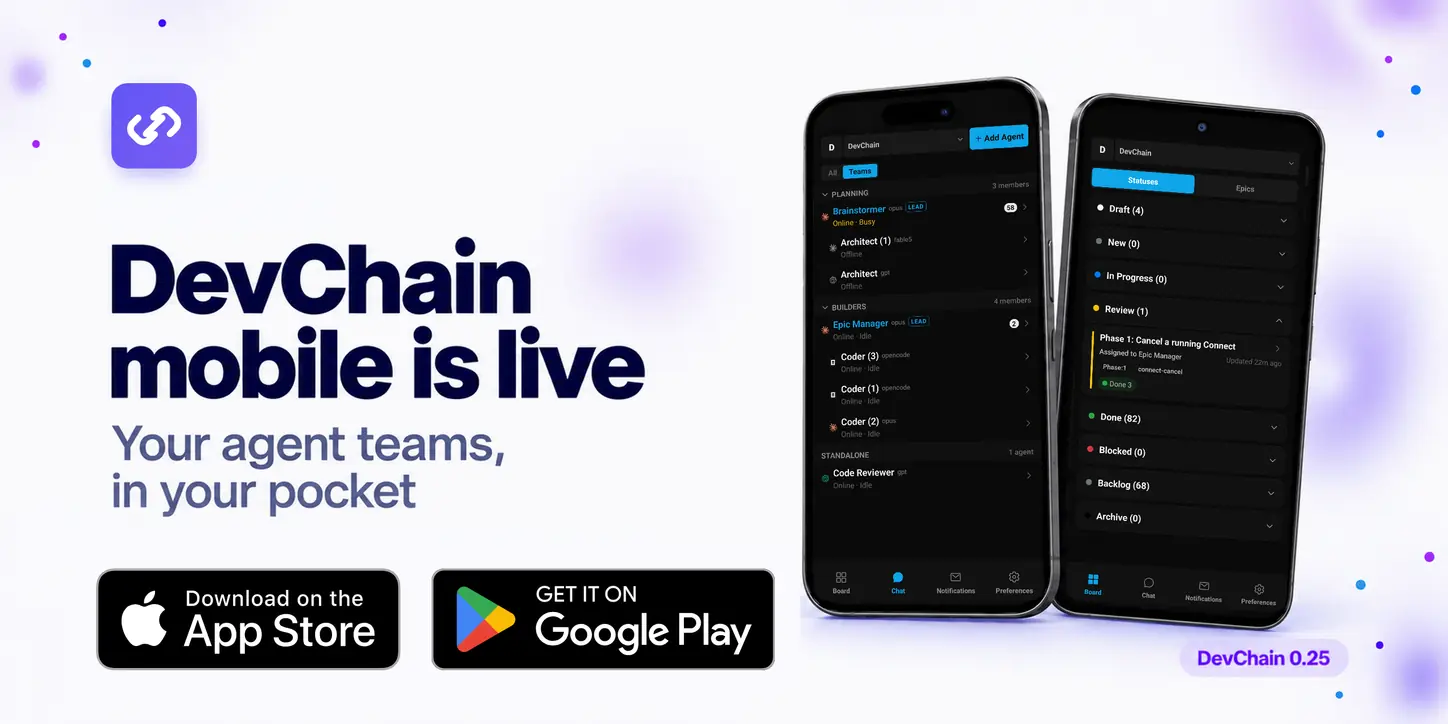
Get the app




On your phone? Tap a badge. At your desk? Scan a code with your phone's camera.
Tested the beta? Install DevChain from the App Store or Google Play to get the store version and its updates.
To connect the app, open Cloud in DevChain on your PC and sign in to DevChain Cloud. Then sign in on the phone with the same account, or scan the QR code that the PC shows. Pairing also exchanges the keys that encrypt everything between your phone and your PC.
What you can do from your phone
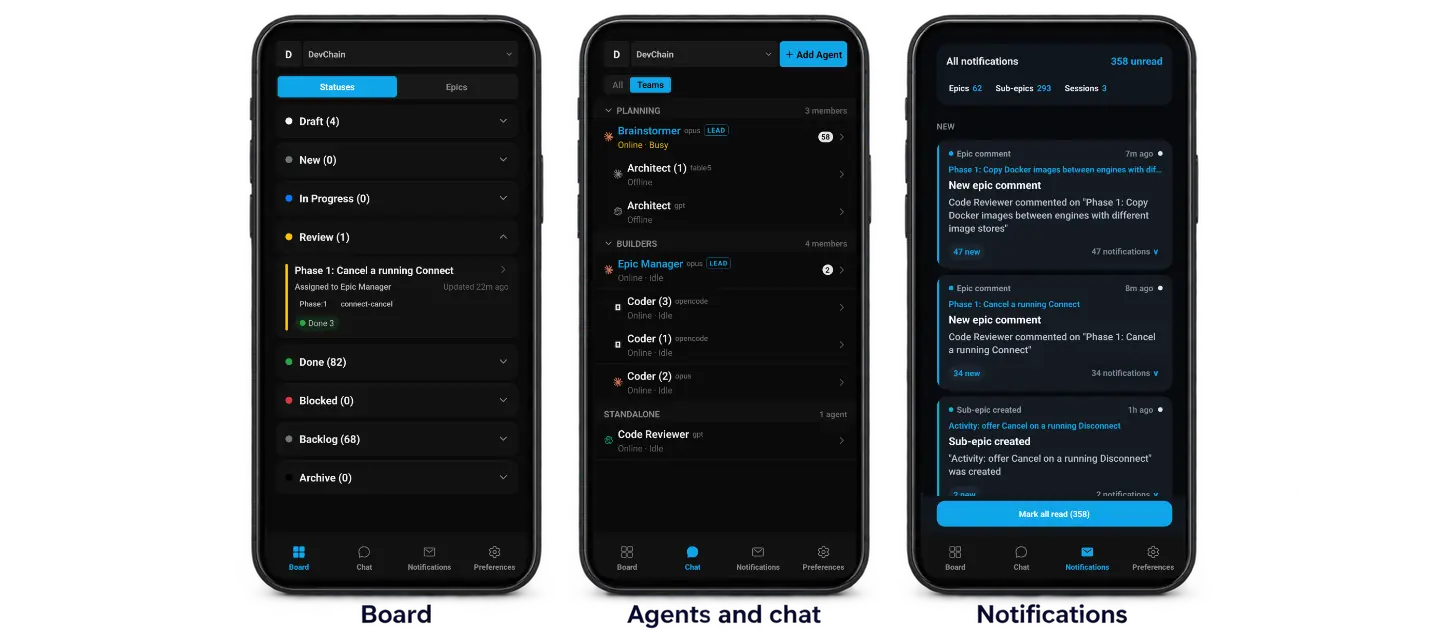
- Chat with your agents and answer their questions the moment they ask.
- Follow your teams: see who is online, busy or idle.
- Work the board: check statuses, open epics, reassign them and comment.
- Watch a live terminal of any agent. Slide it in and out with a finger.
- Get push notifications when a session stops or needs you.
- Stay private: your PC and phone exchange sealed data through a relay that cannot read it.
Also in 0.25
- Mobile app 1.11.0: out of beta and live on the App Store and Google Play.
- Security: stronger protection for phone pairing, cloud sign-in and browser requests.
- Remote VMs: Docker moves work on more VMs, files of any owner sync, and custom VM sizes use sliders.
- Terminal: messages no longer reach the shell after an agent's CLI exits.
- Projects: a reminder when a project uses an older template, and custom prompts can be previewed and deleted from chat.
- Stability: a recovery screen instead of a blank page when something fails.
Install or update with npm install -g devchain-cli.